


Description
Create Your Own Music APK
Create Your Own Music APK — это креативный аудио‑инструмент, разработанный для пользователей Android, желающих сочинять и записывать оригинальную музыку. Приложение позволяет пользователям создавать мелодии с помощью встроенного пианино и библиотеки сэмплов, лупов и звуковых эффектов. Оно поддерживает воспроизведение и запись в реальном времени, позволяя накладывать дорожки и экспериментировать с различными звуками. Идеально подходит для любителей, начинающих композиторов и музыкальных энтузиастов, приложение предлагает практический опыт создания музыки. Разработчик — q2developer сосредоточил внимание на доступности, делая процесс сочинения простым даже без предварительных знаний теории музыки. В реальном мире приложение используется для создания фоновых дорожек к видео, разработки личных композиций или экспериментов со звуковым дизайном. Приложение особенно полезно для мобильных музыкантов, ищущих лёгкое решение для музыкального производства «на ходу».
Key Features & Capabilities
- Piano and Instrument Playback: Users can play melodies and chords using a virtual piano keyboard, with support for various instruments and sound types.
- Sample and Loop Library: A collection of pre-recorded audio samples and loops is available for immediate use in compositions.
- Sound Editing Tools: Basic editing features allow users to modify pitch, tempo, and layer new samples into existing tracks.
- Recording Functionality: The app enables recording of live performances and MIDI-based input for capturing musical ideas.
- Track Layering: Multiple tracks can be recorded and played back simultaneously, supporting the creation of multi-instrumental compositions.
- MIDI Support: Integration with MIDI allows for precise input and control over musical sequences.
These features empower users to build complex musical arrangements directly from their Android devices. For example, a user can record a drum loop, layer a piano melody, and then add a bassline using MIDI input—all within the same session. The ability to edit pitch and tempo gives creative flexibility, making it suitable for experimental music or educational projects. The recording function allows users to preserve their work and review progress over time. This combination of tools makes the app a practical solution for mobile music creation, especially for those who prefer a tactile, keyboard-driven approach to composition.
User Interface, Workflow & Performance
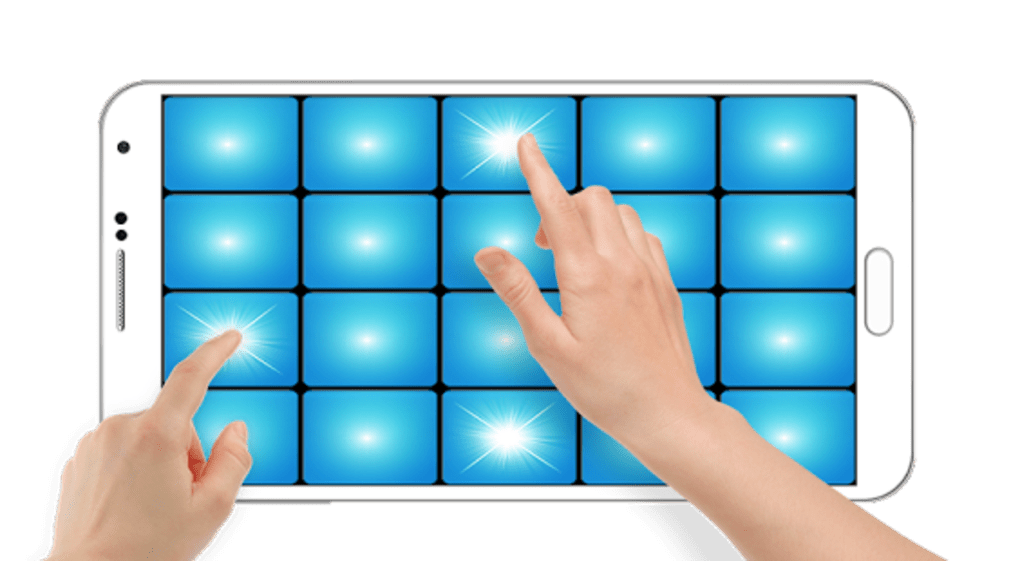
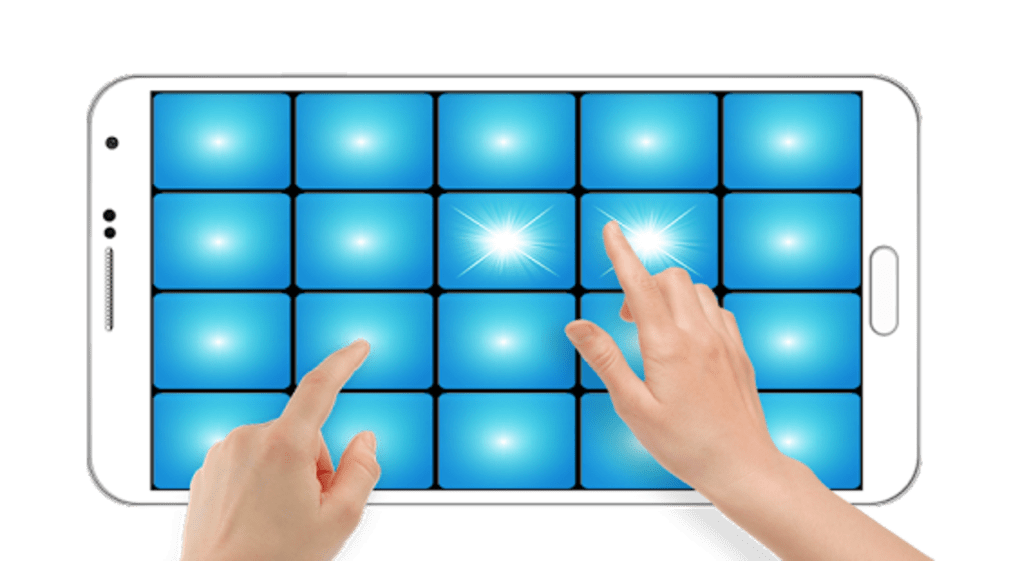
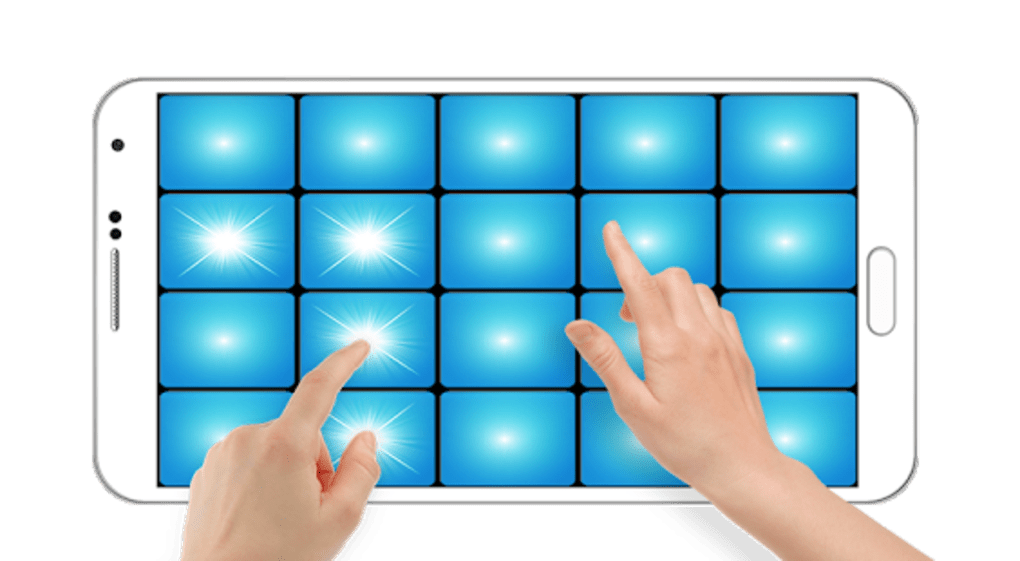
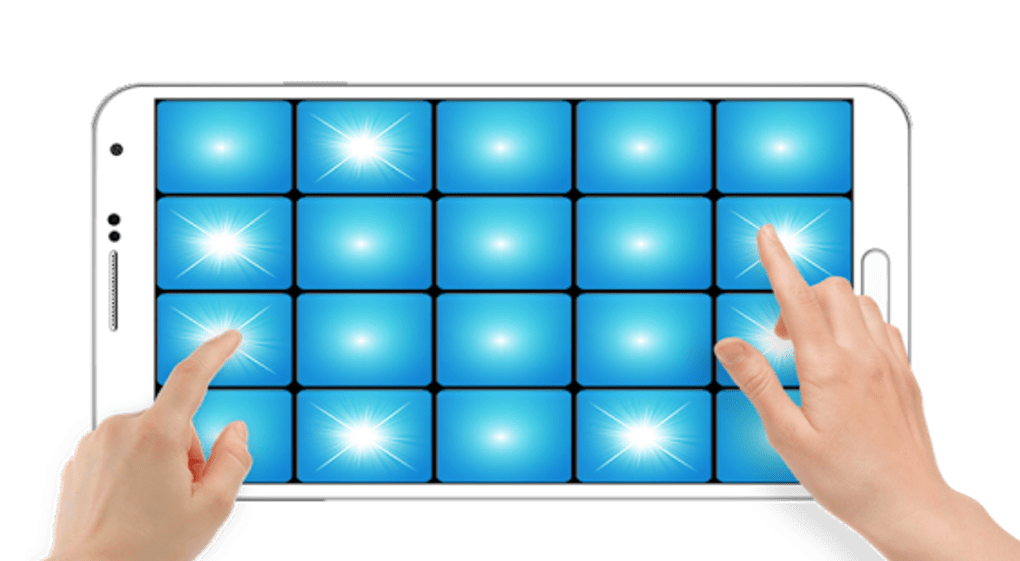
The user interface is designed around a central piano keyboard with accessible controls for sample selection, playback, and recording. Navigation is straightforward, with clearly labeled buttons for starting and stopping recordings, adjusting track settings, and accessing the sample library. The workflow follows a linear path: select a sound, play or record, edit if needed, and play back the result. This simplicity enhances usability, especially for beginners. The app’s performance is optimized for mobile devices, with minimal lag during playback and recording. However, exact performance details were not specified by the developer. The developer did not provide additional system requirements, so resource usage such as CPU or RAM consumption remains unknown. Stability during extended sessions is also unconfirmed. Overall, the interface prioritizes ease of access and intuitive interaction, making it suitable for users who value a clean, focused environment for music creation.
Compatibility & System Requirements
Create Your Own Music APK is designed for Android devices, with version 1.0 released on March 25, 2025. The installation size is 18.7 MB, indicating a lightweight footprint. The app is distributed as an APK file, suggesting it is intended for direct installation outside official app stores. Platform compatibility information is limited to Android, with no details on specific versions or device requirements. The developer did not specify minimum hardware specifications such as RAM, processor speed, or storage needs. Exact system requirements were not listed, and compatibility with older or newer Android versions remains unverified. Users should ensure their device supports APK installation and has sufficient storage space for the app and any saved projects.
Pros and Cons
Pros
- Free to download and use with no hidden costs
- Lightweight installation size of 18.7 MB
- Intuitive interface suitable for beginners
- Supports MIDI input for precise musical control
- Offers sample, loop, and sound effect library for creative use
- Allows recording and playback of original compositions
Cons
- No information on supported Android versions or hardware requirements
- Advanced editing tools not detailed or confirmed
- Performance behavior under heavy usage is unknown
- Limited availability due to APK-only distribution
- No official app store presence for updates or support
FAQ Section
Is Create Your Own Music APK compatible with all Android devices?
The app is designed for Android, but the developer did not specify supported versions or device requirements. Users should verify compatibility with their device’s operating system and hardware capabilities.
Is the app safe to download and install?
As an APK file, the app is distributed outside official app stores. Users should ensure the source is trustworthy and scan the file with antivirus software before installation.
Can I use MIDI with this app?
Yes, the app supports MIDI input for recording and controlling musical sequences, enabling precise performance capture.
Does the app require an internet connection?
Basic functionality such as playing, recording, and editing does not require an internet connection. However, updates or cloud features are not confirmed.
How often are updates released?
Update frequency is not publicly disclosed. Users should check the developer’s official channel for the latest version.
Final Thoughts
Create Your Own Music APK offers a compelling entry point into mobile music composition for Android users. With its free access, compact size, and core features like piano playback, sample library, and MIDI support, it serves as a practical tool for creative expression. The intuitive interface lowers the barrier to entry, making it accessible to non-professionals. While advanced capabilities and system requirements are not fully detailed, the app’s focus on simplicity and core functionality is evident. It is particularly beneficial for hobbyists, students, and mobile musicians seeking a lightweight, portable solution. For those exploring music creation on the go, this tool provides a solid foundation. Download Create Your Own Music APK now.
Guides & Tutorials for Create Your Own Music APK
How to install Create Your Own Music APK
- Click the Preview / Download button above.
- Once redirected, accept the terms and click Install.
- Wait for the Create Your Own Music APK download to finish on your device.
How to use Create Your Own Music APK
This software is primarily used for its core features described above. Open the app after installation to explore its capabilities.
User Reviews for Create Your Own Music APK 0
No reviews found





